Dalian Eastern Display Co., Ltd.
Dalian Eastern Display Co., Ltd.

This guide provides a comprehensive overview of using the SPI interface within LabVIEW, covering fundamental concepts, practical examples, and advanced techniques. Learn how to configure, troubleshoot, and optimize your LabVIEW SPI interface for various applications. We'll explore different methods and best practices for efficient data communication.
The Serial Peripheral Interface (SPI) is a synchronous, full-duplex communication bus commonly used for short-distance communication, often between a microcontroller and peripheral devices. It's characterized by its four primary signals: MOSI (Master Out Slave In), MISO (Master In Slave Out), SCLK (Serial Clock), and SS (Slave Select). Understanding these signals is crucial for effective LabVIEW SPI interface programming.
Data transmission over SPI involves the master device controlling the clock signal (SCLK) and selecting the slave device using the Slave Select (SS) line. Data is shifted bit-by-bit, with the master sending data on MOSI and receiving data on MISO. The speed of communication is determined by the clock frequency.
LabVIEW's VISA (Virtual Instrument Software Architecture) provides a powerful framework for instrument control, including SPI devices. You'll need to identify the VISA resource name associated with your SPI interface (this often depends on your hardware and its driver). The correct configuration of VISA resource is essential for successful LabVIEW SPI interface communication.
LabVIEW offers built-in functions for SPI communication, simplifying the process significantly. These functions allow you to configure the SPI parameters (clock speed, data bit order, etc.), send and receive data, and handle potential errors. Proper use of these functions is key to building a robust LabVIEW SPI interface application.
Let's consider a practical example: reading temperature data from an SPI-based temperature sensor. This example will demonstrate how to use the VISA resource and LabVIEW's SPI functions to configure the interface, send a read command, and retrieve the sensor data. The code will include error handling to ensure robustness.
SPI communication can be prone to errors due to various factors, such as noise or incorrect configuration. Effective error handling is crucial for reliable data acquisition. This section will cover common error scenarios and techniques for detecting and resolving them within your LabVIEW SPI interface application.
Optimizing your SPI communication for speed and efficiency is crucial for high-performance applications. We'll discuss strategies for maximizing throughput, minimizing latency, and improving overall performance of your LabVIEW SPI interface.
SPI is widely used in industrial automation for controlling and monitoring various devices. Examples include integrating sensors, actuators, and other peripherals into a larger system.
SPI is commonly utilized in data acquisition systems to interface with a variety of sensors, allowing for the efficient collection of data from multiple sources.
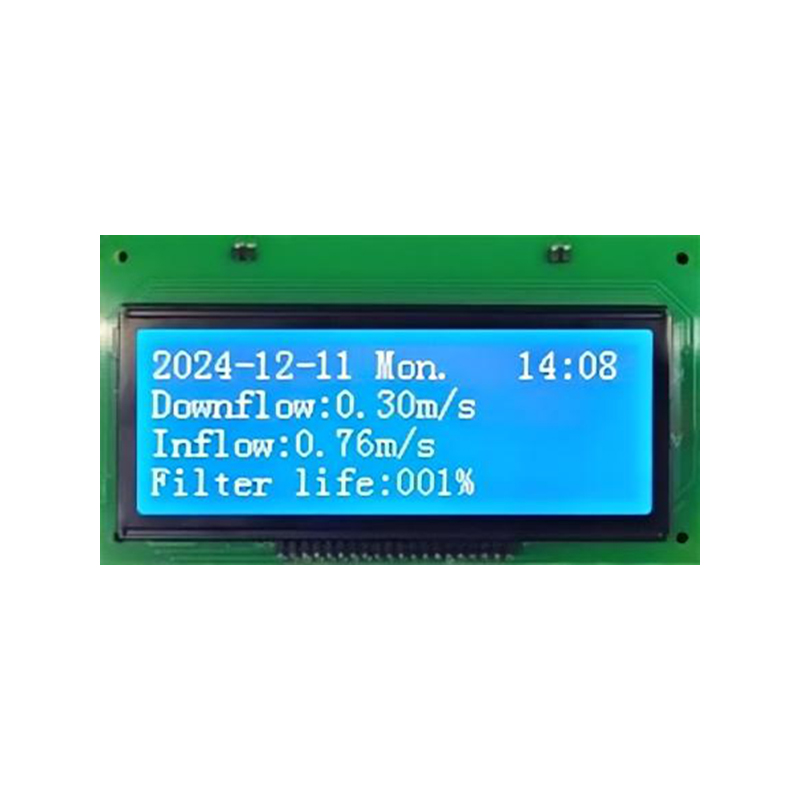
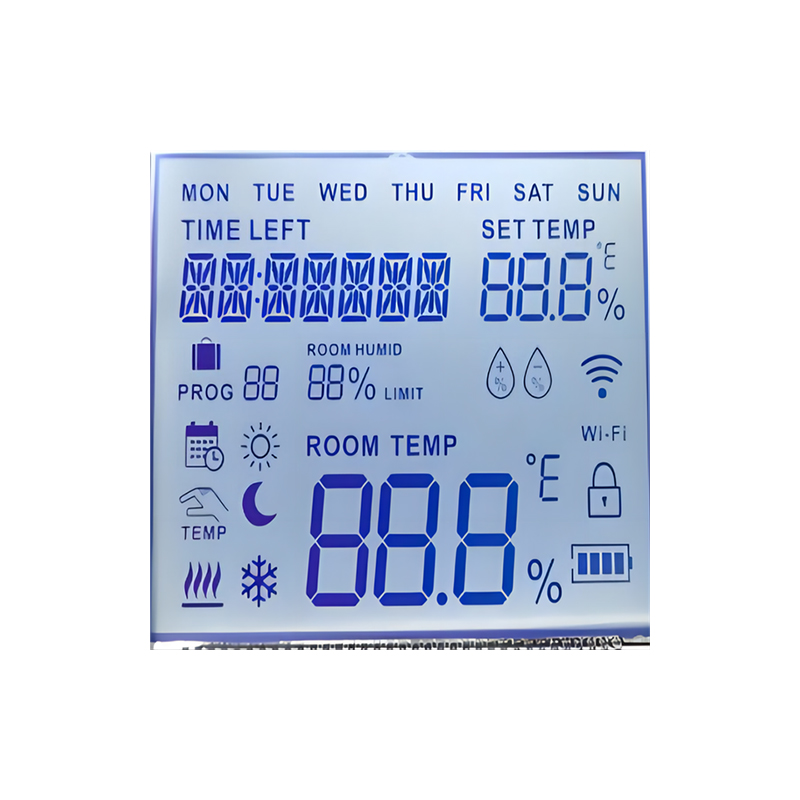
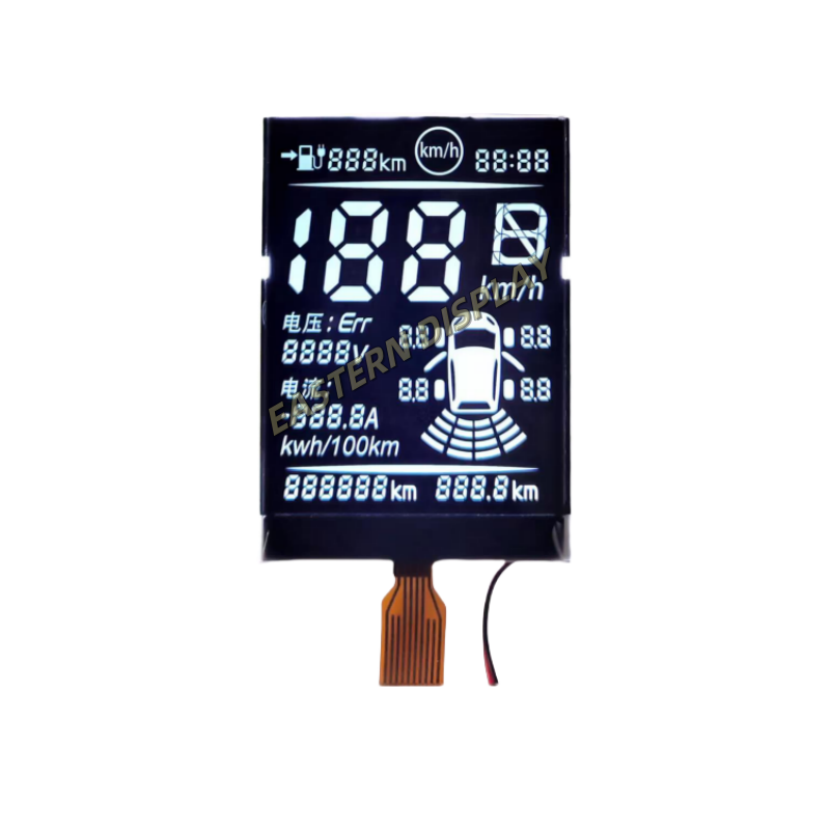
Many consumer electronics devices employ SPI for communication between internal components, enabling seamless integration and functionality. For instance, many LCD displays utilize SPI for communication with their controllers.
| Application | Advantages of Using SPI | Disadvantages of Using SPI |
|---|---|---|
| Industrial Automation | High speed, relatively simple implementation | Can be susceptible to noise, limited distance |
| Data Acquisition | Cost-effective, good for multiple devices | Requires careful synchronization |
| Consumer Electronics | Compact, low power consumption | Less flexible than other protocols |
For further information on high-quality display solutions, explore the capabilities of Dalian Eastern Display Co., Ltd. They offer a wide range of advanced display technologies.
Note: Specific hardware and software requirements may vary depending on your chosen SPI devices and LabVIEW version. Always consult the relevant documentation for detailed instructions and support.