Dalian Eastern Display Co., Ltd.
Dalian Eastern Display Co., Ltd.

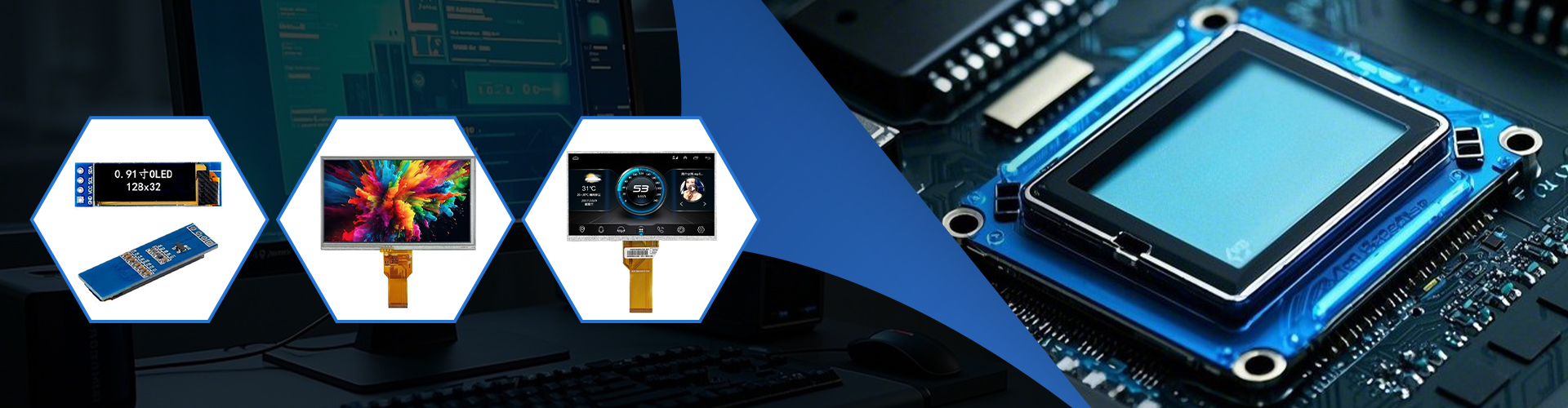
This guide provides a comprehensive overview of laptop LCD screens, covering everything from understanding their specifications to choosing the best one for your needs. We'll explore different types of panels, resolutions, and features to help you make an informed decision when replacing or upgrading your laptop LCD.
TN panels are the most common and affordable type of laptop LCD. They offer fast response times, making them suitable for gaming, but their viewing angles and color accuracy are often limited. They're a great budget-friendly option for users who prioritize speed over image quality.
IPS panels provide superior color accuracy and wider viewing angles compared to TN panels. This makes them ideal for tasks such as photo editing or video viewing where accurate color representation is crucial. However, they typically have slower response times and can be more expensive than TN panels. For those seeking vivid colors and consistent image quality from various viewing angles, IPS is a superior choice for a laptop LCD.
VA panels offer a balance between the advantages of TN and IPS panels. They boast better contrast ratios than IPS panels, resulting in deeper blacks and more vibrant colors. While their viewing angles are not as wide as IPS, they generally surpass TN panels. VA panels strike a good balance between performance, cost, and image quality in a laptop LCD.
The resolution of your laptop LCD, measured in pixels (e.g., 1920x1080, 2560x1440), determines the sharpness and clarity of the image. Higher resolutions offer more detail but may require more processing power from your laptop. Choosing the right resolution depends on your usage. For everyday tasks, 1920x1080 is often sufficient; however, for graphic design or video editing, a higher resolution might be beneficial.
The refresh rate, measured in Hertz (Hz), represents how many times per second the image on the laptop LCD is updated. Higher refresh rates (e.g., 120Hz, 144Hz) lead to smoother motion and are particularly beneficial for gaming. A standard refresh rate is 60Hz, offering sufficient smoothness for most tasks.
Brightness, measured in nits (cd/m2), indicates the screen's luminance. A higher brightness level is better for outdoor use, while a lower brightness level may be preferable for indoor use and to reduce eye strain. Consider your typical usage environment when choosing the brightness level of your laptop LCD.
The best laptop LCD for you depends on your specific needs and budget. Consider the type of panel, resolution, refresh rate, and brightness that best suit your use case. If you're unsure which is right for you, consulting professional reviews or comparing specifications of available models can greatly assist your decision-making process. Remember to factor in aspects like warranty and customer support.
Replacing a faulty laptop LCD can be a complex process. While some users attempt DIY repairs, it's often recommended to seek professional help, especially if you're not comfortable working with delicate electronics. Many repair shops specialize in laptop LCD replacements and can provide expert service. Improper handling could further damage your laptop. For high-quality laptop LCD panels and related products, consider exploring options from reputable suppliers such as Dalian Eastern Display Co., Ltd. They offer a wide range of options to meet various needs.
| Panel Type | Response Time | Viewing Angle | Color Accuracy | Cost |
|---|---|---|---|---|
| TN | Fast | Narrow | Limited | Low |
| IPS | Slow | Wide | Excellent | High |
| VA | Medium | Medium | Good | Medium |