Dalian Eastern Display Co., Ltd.
Dalian Eastern Display Co., Ltd.

This guide provides a detailed explanation of the PC SPI interface, covering its functionality, applications, and practical considerations. We'll explore its technical aspects, common uses, and potential challenges, equipping you with the knowledge to effectively utilize this essential communication protocol.
The Serial Peripheral Interface (SPI) is a synchronous, full-duplex communication bus widely used for short-distance communication, primarily in embedded systems. A PC SPI interface refers to the implementation of this bus allowing a personal computer to interact with SPI-compatible devices. This interaction typically involves using an add-on card or integrated controller to provide the necessary hardware interface between the PC's PCI or USB bus and the SPI devices. This enables a PC to control and communicate with various peripherals such as sensors, displays, memory chips, and more. Understanding the intricacies of the PC SPI interface is crucial for many applications requiring high-speed data transfer and simple hardware.
Several key characteristics define the PC SPI interface:
SPI uses a clock signal to synchronize data transfer between the master (typically the PC) and slave (the peripheral device). This ensures reliable data transmission.
Data can be transmitted and received simultaneously, allowing for efficient communication.
The basic SPI bus consists of four wires: MOSI (Master Out Slave In), MISO (Master In Slave Out), SCK (Clock), and CS (Chip Select).
The PC SPI interface operates on a master-slave architecture where the PC acts as the master, controlling the communication process.
The PC SPI interface finds widespread application in numerous fields:
Connecting and reading data from various sensors like temperature sensors, accelerometers, and pressure sensors.
Controlling actuators, motors, and other industrial devices within automated systems.
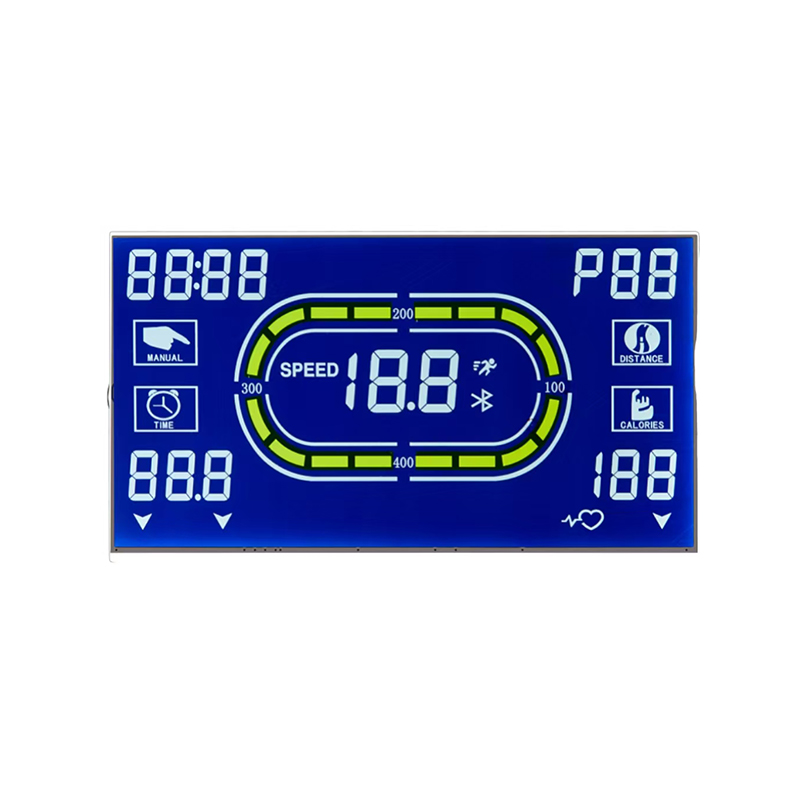
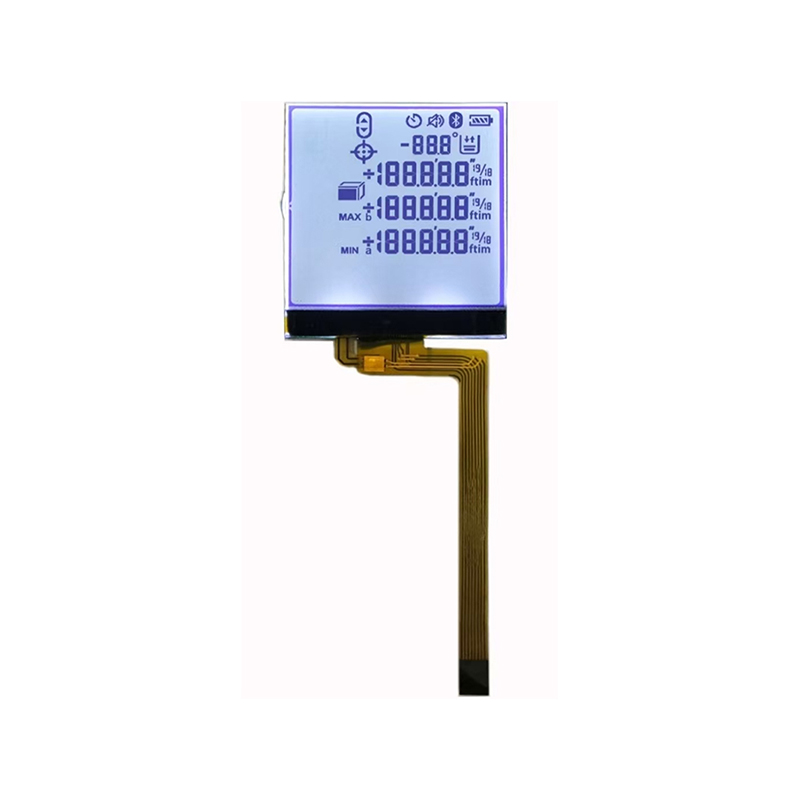
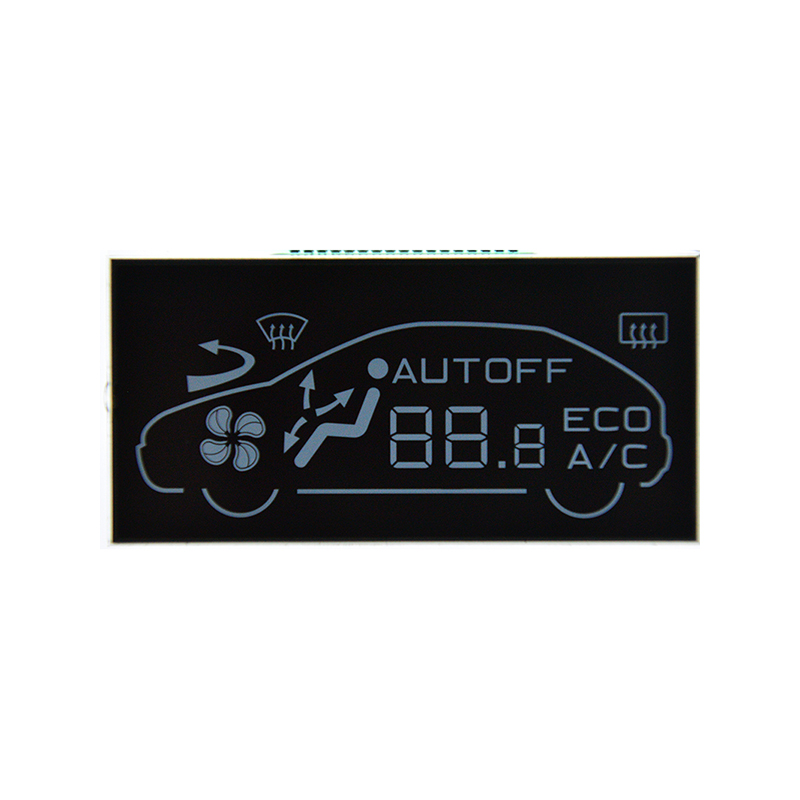
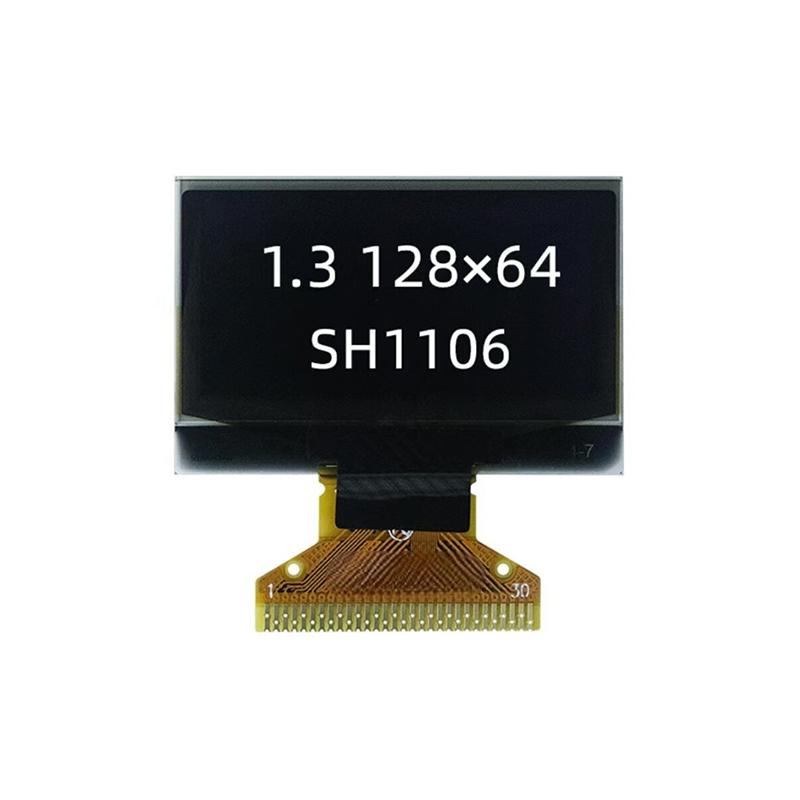
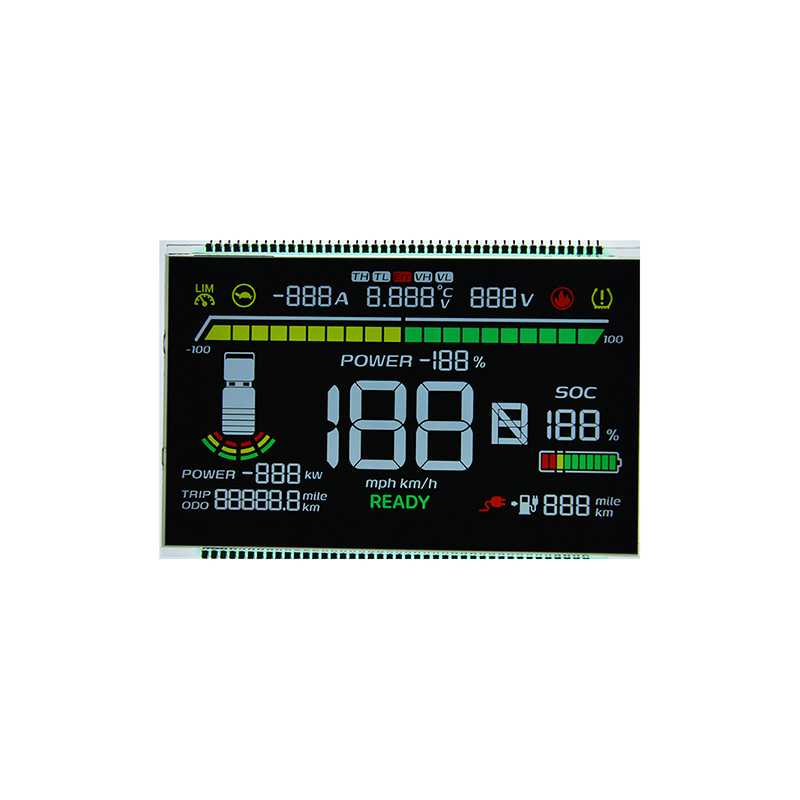
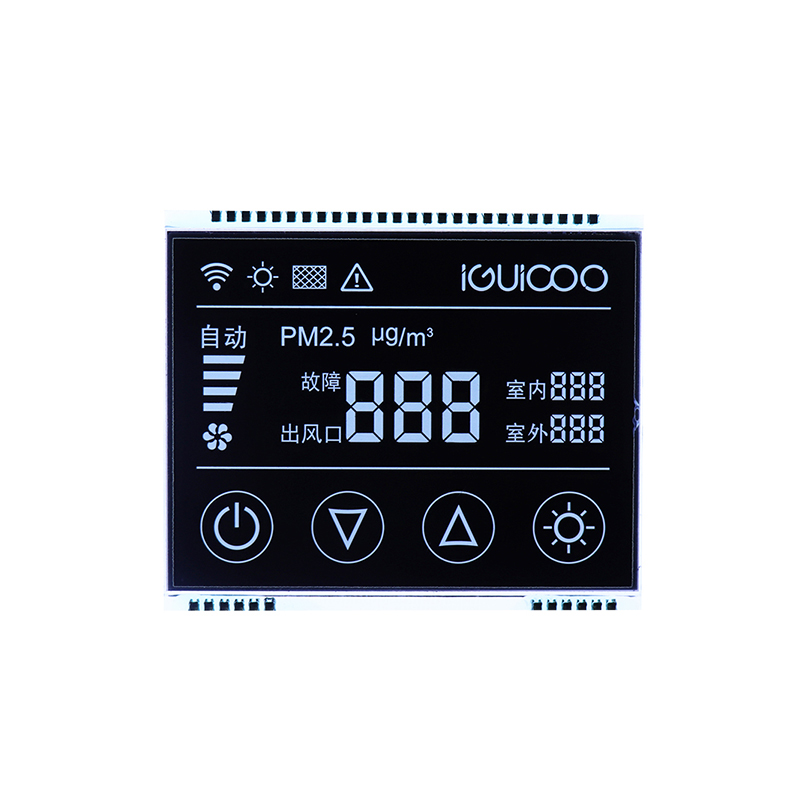
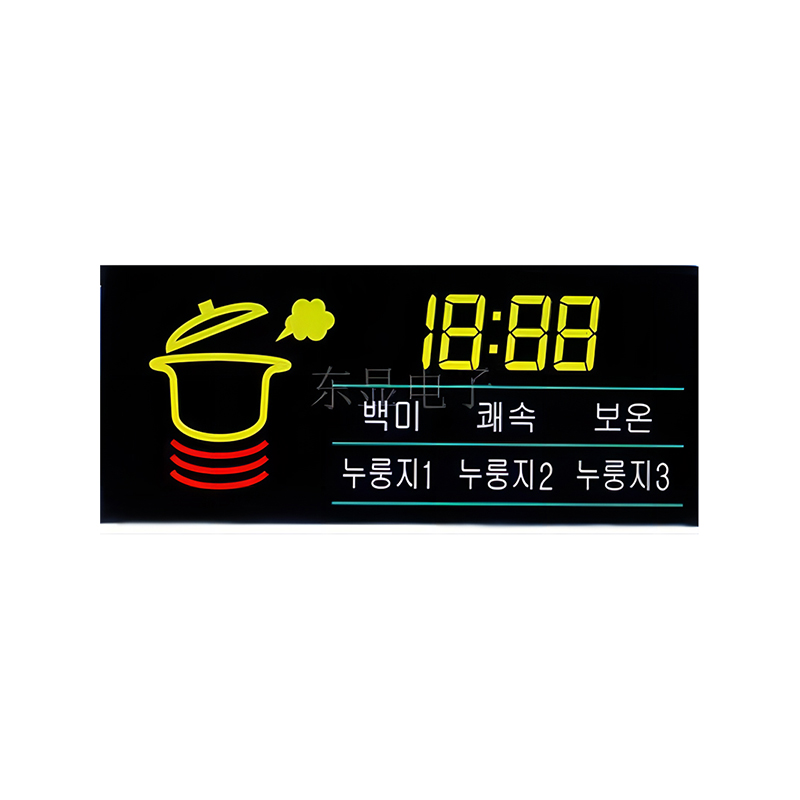
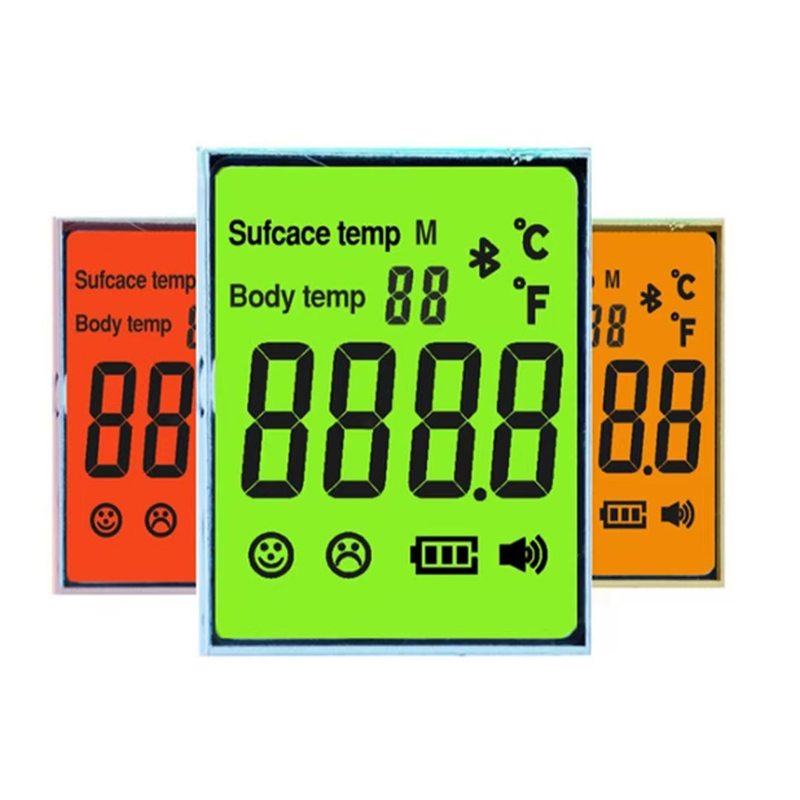
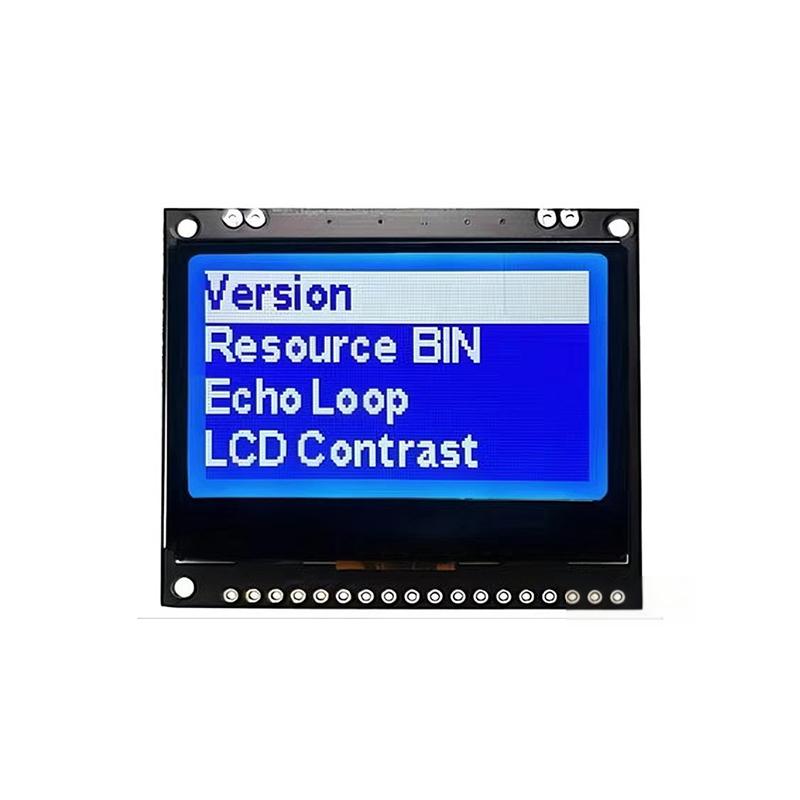
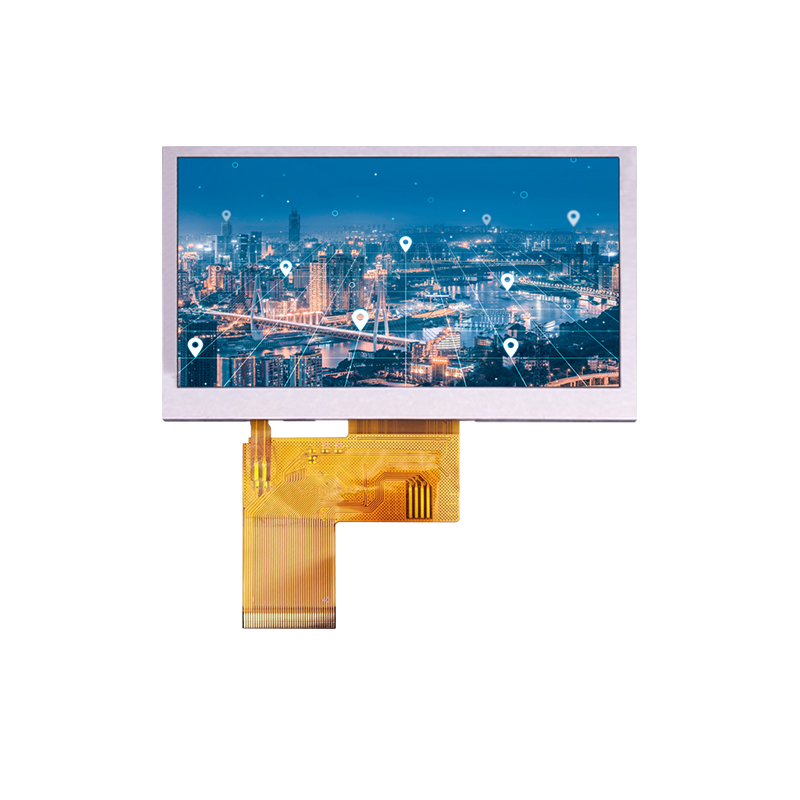
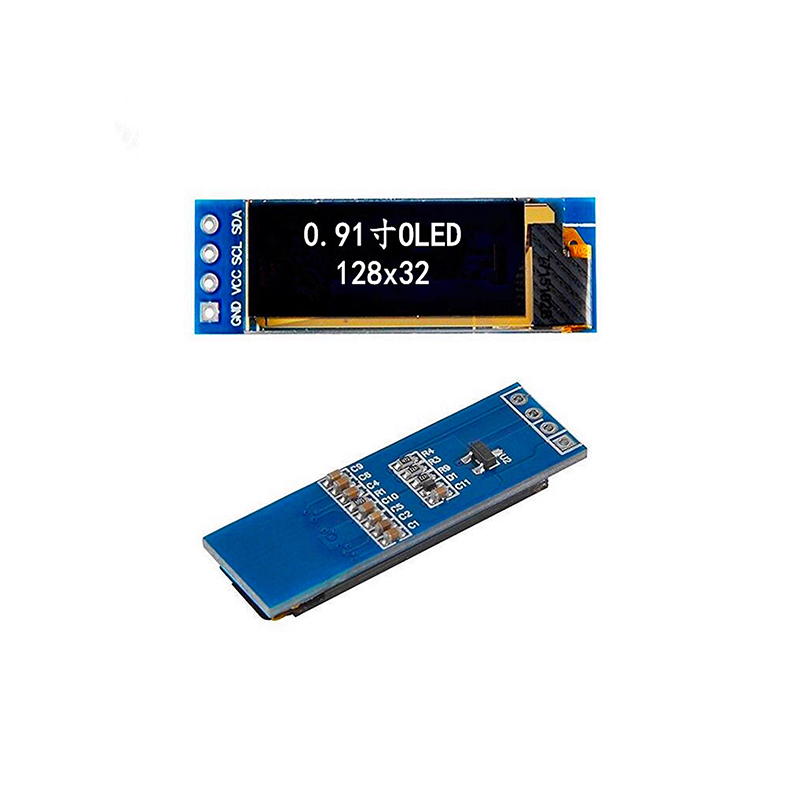
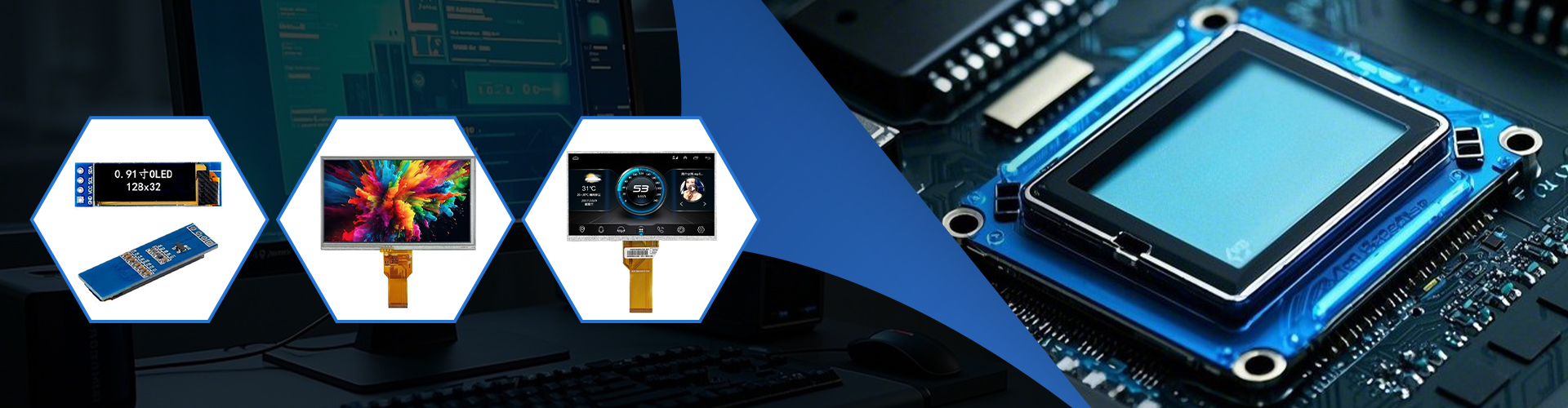
Driving various display technologies, including LCD screens and OLEDs, often using controllers such as those found in products from Dalian Eastern Display Co., Ltd.—a leading provider of high-quality display solutions.
Interfacing with external memory chips to extend the PC's memory capacity.
Selecting the appropriate hardware for your PC SPI interface depends on your specific requirements. Factors to consider include:
Potential problems with a PC SPI interface include incorrect wiring, clock signal issues, and driver conflicts. Careful verification of hardware connections and appropriate software configuration is essential.
The PC SPI interface provides a versatile and efficient method for connecting a PC to a wide range of peripheral devices. Understanding its fundamental principles and practical considerations is crucial for anyone working with embedded systems or requiring high-speed, reliable data communication. Remember to carefully select your hardware based on your needs, ensuring compatibility with both your system and your chosen software.